


Sara stared at the blinking cursor on her screen. She’d just Googled her own business — the café she’d poured her life into — and it didn’t show up until page four. She scrolled past chain restaurants, a bakery she’d never heard of, even a closed-down bar. Her café’s address and phone number were right there on her website, so why was she invisible on Google Maps?
She checked the Google Business Profile she’d set up a year ago. No new photos since opening week. Only two reviews. The “Posts” section? Empty. She’d heard about local SEO, but she assumed the hard part was just getting listed in the first place. Apparently, it was the easy bit.
If you’ve ever felt that sinking “why can’t people find us?” frustration, you’re not alone. We see it across almost every local business project — from hair salons to hardware stores. The difference between ranking on page one and being invisible in local search often comes down to the details most owners ignore.
When “Set It and Forget It” Fails
The most common pattern: a business claims their Google Business Profile, fills in the basics, then walks away. Weeks pass, then months. No updates, no photos, no fresh posts. Meanwhile, Google’s algorithm quietly prefers profiles that look alive — places where customers interact, new images appear, events are announced, questions are answered.
In over 100 client projects, we’ve lost count of how many times we’ve heard: “But our info is correct, isn’t that enough?” Honestly? Not anymore. Google treats active business profiles as a signal for real-world relevance. If your profile looks abandoned, you’ll slide quietly off the map — literally.
Choosing Categories: The Small Checkbox That Decides Your Fate
Every Google Business Profile starts with one critical decision: choosing your primary category. Get this wrong, and you’ll never show up for the searches you care about. We see it all the time — a bakery that’s listed as a “restaurant,” a yoga studio marked “gym.” Google’s search results are ruthless: only the most relevant categories make the cut for top local spots.
A quick tip: your primary category should match the main service you offer. Additional categories can capture related searches, but don’t get greedy — listing every possible service confuses both Google and your customers.
- Primary category = your core business (e.g., “Bakery,” not “Restaurant” if you don’t serve meals).
- Secondary categories for real, significant services (e.g., “Coffee Shop” if you truly serve specialty coffee).
- Avoid irrelevant options, no matter how tempting (“Event Venue” if you’ve only ever hosted your cousin’s birthday).
Getting this right is the foundation of local SEO — and the most overlooked step in Google Maps ranking.
Photos: Proof That You Exist
Let’s be brutally honest: profiles without photos look suspicious. We’ve seen businesses lose potential customers simply because there’s no visual proof they exist. Google’s own data shows that profiles with images get twice as many clicks. (That’s Google’s data, not ours — but we see the effect in every campaign.)
What works? Not stock photos, not a single blurry exterior shot from 2015. Upload real, recent photos: your storefront, inside views, your team, products, happy customers (with their permission). Change up the images monthly. Google notices — and so do people scrolling past a sea of generic listings.
One business owner told us, “We added five new photos and saw more calls in a week than the previous two months.” It’s not magic. It’s psychology and a little algorithmic nudge.
Posts and Updates: Staying Alive in Google’s Eyes
Google Business Profile gives you the option to post updates, offers, events, or news — yet most businesses never touch this. In our experience, the businesses that post regularly (even once every week or two) almost always show up higher in Google Maps results than their silent competitors.
Think of posts as “activity signals.” Each post — whether it’s a special deal, a new menu, a staff introduction, or a holiday update — tells Google that your business is alive and thriving. It’s a free, direct line to your audience. And yet, we see so many businesses treat it like an optional extra.
Here’s a conversation we hear a lot:
“We’ve been live for 6 months and nobody calls.”
“When was your last Google post?”
“…We posted our opening hours last year.”
You don’t have to be a writer. Just show that things are happening.
Reviews: The Fastest Trust Builder (and Ranking Factor)
A pattern we encounter on almost every project: businesses with lots of recent, positive reviews show up dramatically higher in local search. Google trusts what customers say more than anything you write yourself. Yet, most owners are shy about asking for reviews — or they leave a few early ones to gather digital dust.
You don’t need hundreds. Even a steady drip of new, real reviews makes a difference. And responding to every review (yes, even the awkward ones) shows Google — and your next customer — that you care.
- Ask for reviews after each sale or service. Make it easy: send a direct link.
- Reply to every review, positive or negative. Thanks, apologies, or solutions.
- Never fake reviews. Google is better at spotting them than you think.
This is the fastest way to climb in Google Maps ranking. It’s also the most underused — and it costs nothing.
Q&A and Services: Answer Before They Ask
Another frequently neglected area is the Q&A section. Anyone can ask a question about your business, and anyone can answer — including random strangers. If you don’t check in, you might find inaccurate, outdated, or even damaging information sitting there for months.
We advise every client: monitor your Q&A. Add your own questions and answers for the most common topics (“Do you offer vegan options?” “Is parking available?”). This not only helps customers but also boosts your relevance in local search results.
Don’t forget to fill out the “Services” section in detail. Google pulls these keywords directly into search — if your list is blank, you’re giving up valuable real estate.
What Sets the Top Performers Apart: A Roakon Example
Here’s a pattern we see at Roakon: when we take over Google Business Profile management for a local business, the results are rarely about a single trick. It’s consistency. For example, with one retail client, we started by fixing their category, adding a dozen fresh photos, writing weekly posts, and launching a simple review request strategy. Within three months, their profile moved from the “More places” page to the top three listings in their city.
Across 100+ projects, the businesses that show up on page one almost always do the basics, and they do them regularly. There’s no secret handshake — it’s just the work that others leave undone.
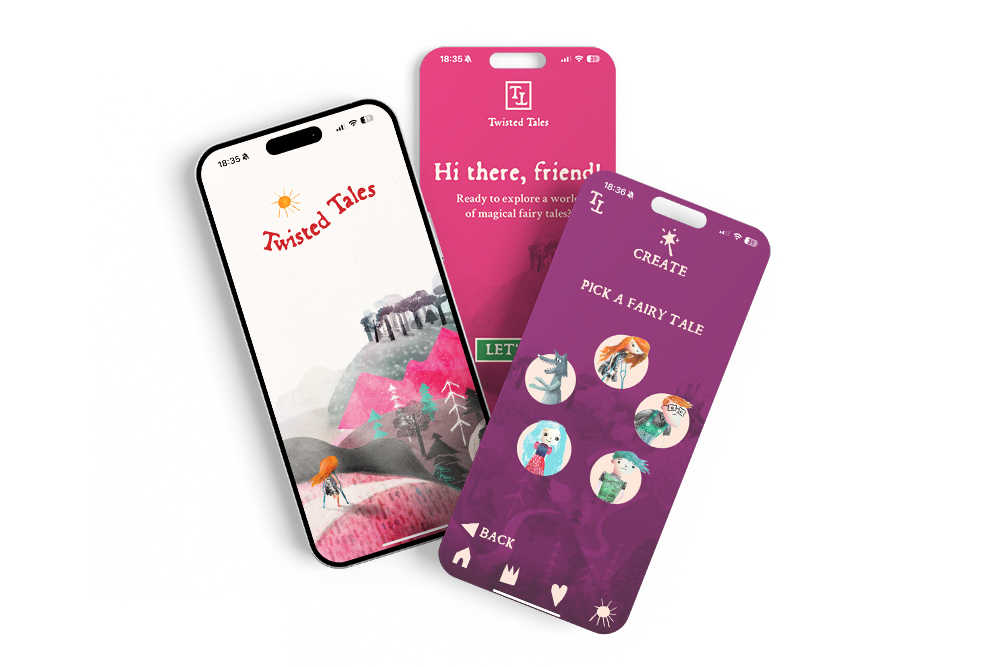
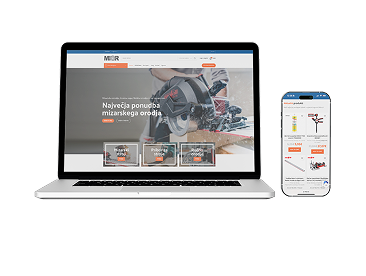
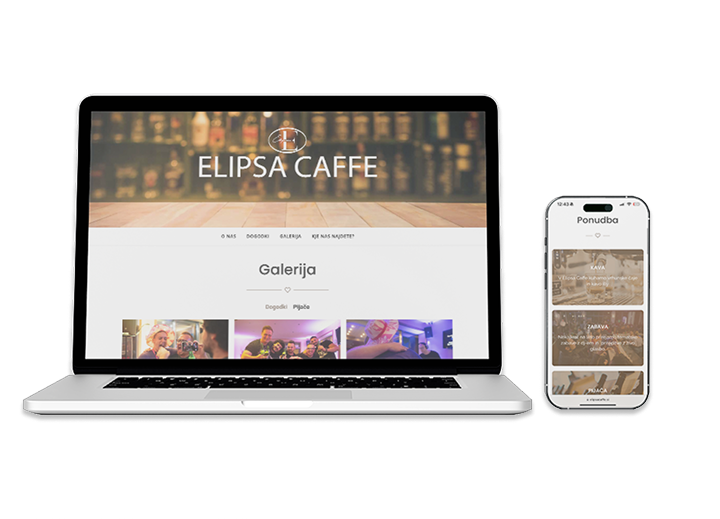
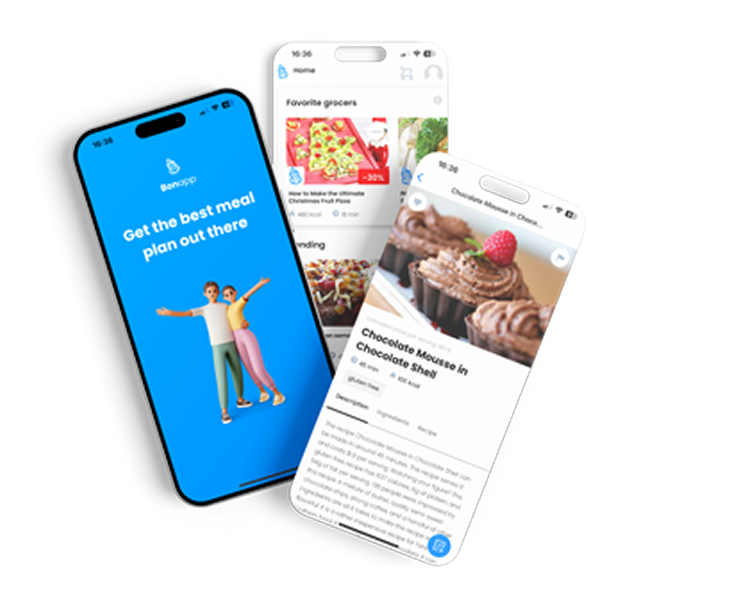
With over 30 online stores and 20 mobile apps launched, Roakon has seen every kind of Google Business Profile mistake. The most successful clients? They treat their profile as a living extension of their brand, not a one-time technical task.
A Checklist for Visibility
If you want to stop being invisible in local search, here’s what we recommend — not as theory, but as the process we use at Roakon for every local SEO project:
- Review and update your primary and secondary categories.
- Upload new, real photos at least monthly.
- Post updates, offers, and news every week or two.
- Ask for and respond to every review.
- Monitor and add to the Q&A section, answer common questions proactively.
- Fill out your services and products in detail.
None of this is complicated. But it’s the difference between being visible when someone searches “best café near me” — and not existing at all.
Most businesses never make it past the basics. The ones that do? They’re the ones customers find first.
Let’s build something great together!
Ready to take your digital presence to the next level?
Reach out to us at info@roakon.eu and let’s create something remarkable.